Connect your inbox and WellyBox organizes all your receipts by vendor, date, and category, export-ready whenever you need them.
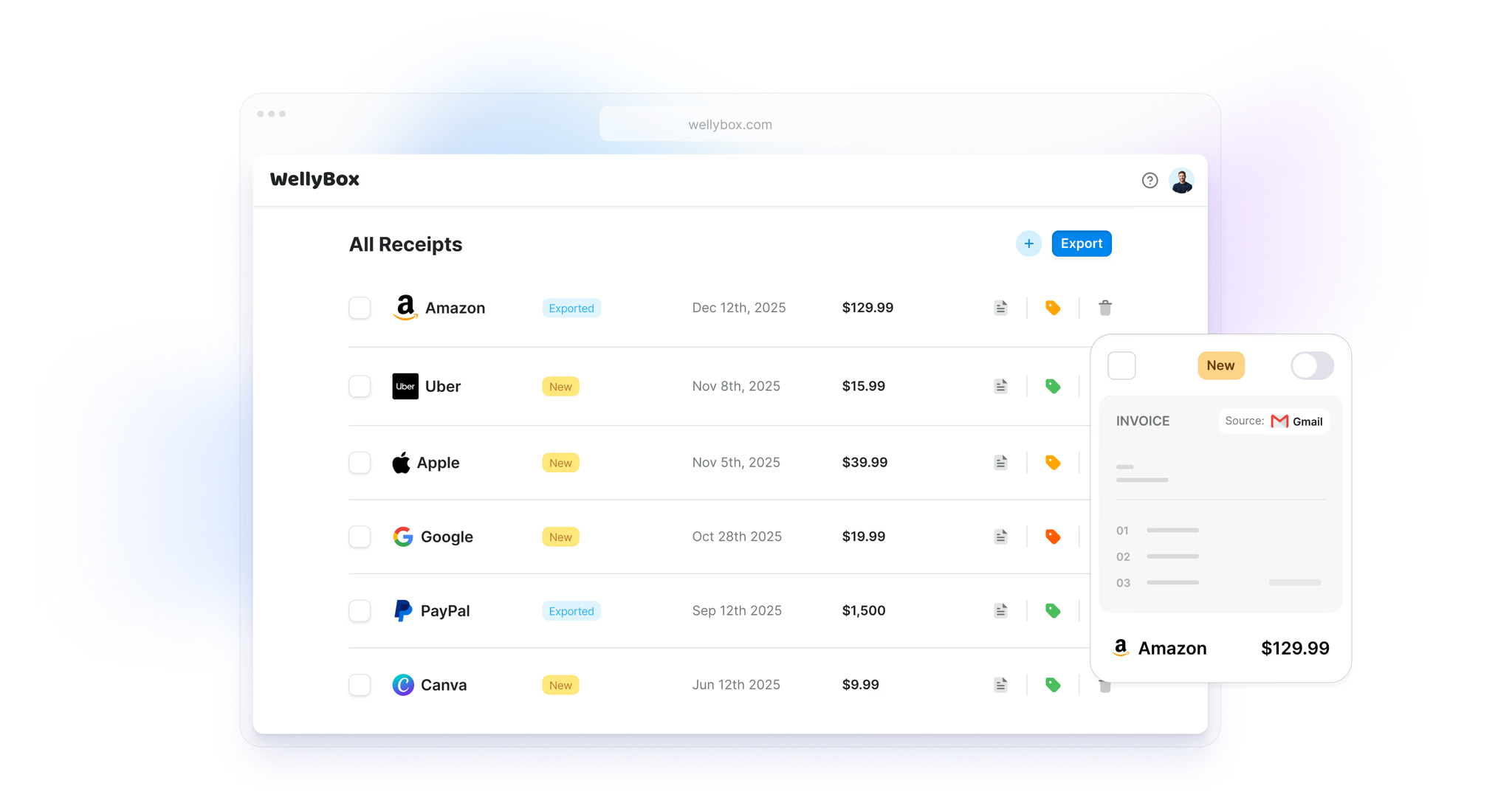






WellyBox collects, organizes, and exports your expense documents - all in one click.

WellyBox scans Gmail or Outlook and organizes every receipt and invoice by vendor, date, and category - going back years. No manual filing. Nothing missed.
AI extracts vendor, amount, date, category, and tax from every document. Exported to Excel with a single click.
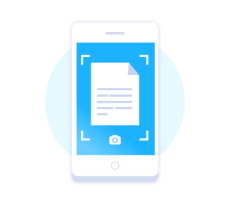
Got paper receipts? Snap a photo and send it to WellyBox on WhatsApp. Data is extracted and added to your dashboard.

Add multiple users or give your accountant direct access. Multiple email accounts, one organized dashboard.
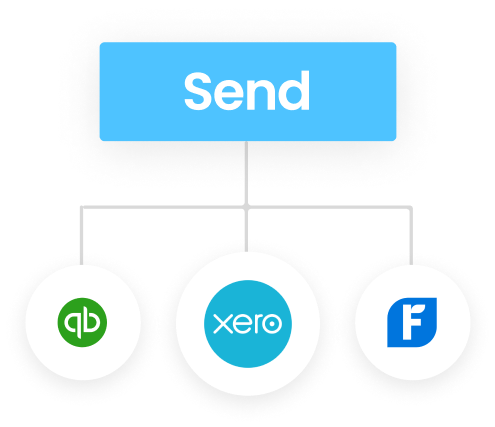
One-click sync to QuickBooks, Xero, Google Drive, or Dropbox. Or email directly to your accountant.
Set up in 2 minutes. Connect your email. Watch receipts organize themselves.
Start Free 7-Day Trial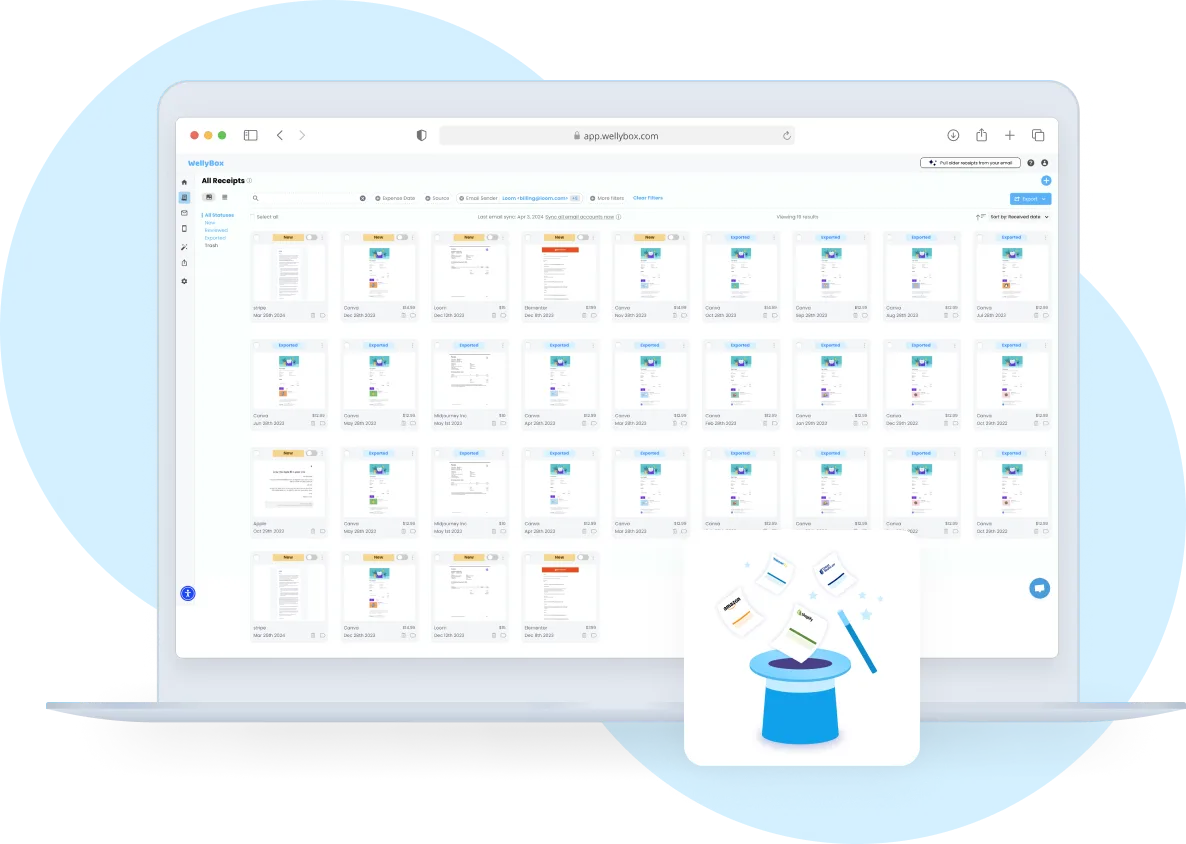
Connect your email once and WellyBox immediately starts finding every receipt and invoice - going back years. No manual searching. No missed documents. It all just appears.
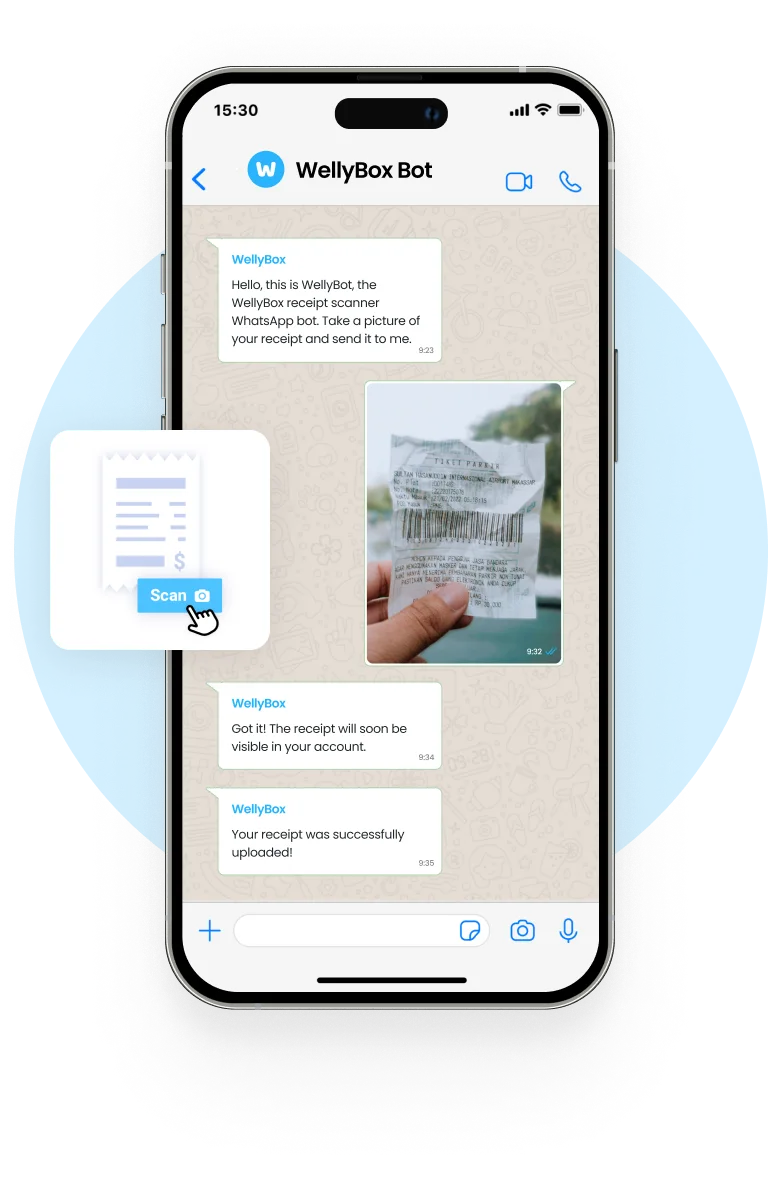
Got paper receipts? Snap a photo and send it to WellyBox on WhatsApp. It extracts the data and adds it to your collection - no app download needed.
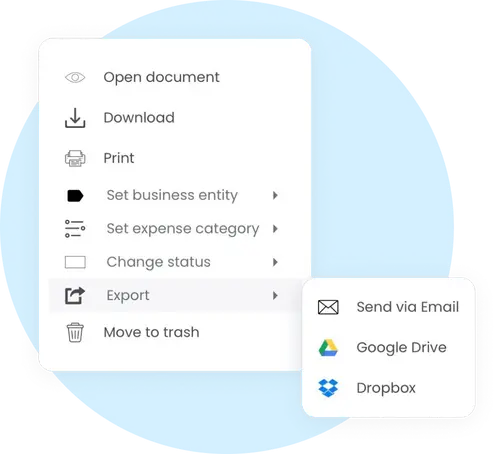
Everything is sorted, labeled, and ready for export - to your accountant, to Excel, or to QuickBooks. Month-end reporting takes 2 minutes, not 2 hours.
Everything you need to know before getting started.
WellyBox connects with Gmail, Outlook, and iCloud Mail. Connect multiple accounts and manage all receipts from one dashboard.
WellyBox can pull receipts going back up to 4 years - so even if you've never organized expenses before, you'll have a complete picture from day one.
Yes. WellyBox uses 256-bit SSL encryption and connects via read-only OAuth - we never store your password and can only read, never send or delete emails.
About 2 minutes. Connect your email, choose how far back to scan, and WellyBox starts finding receipts immediately - no configuration required.
Yes. Text a photo of any paper receipt to WellyBox on WhatsApp. It reads it using OCR, extracts the data, and adds it to your dashboard.
WellyBox exports to QuickBooks, Xero, Excel, Google Drive, and Dropbox. You can also forward receipts to your accountant's email with one click.
You can export and send organized receipts to your accountant. Business and Enterprise plans also support multiple users on one account.
After your trial you choose a plan starting at $19/month. A credit card is required to start. You can cancel anytime - no questions asked.
WellyBox goes beyond collecting receipts - it organizes them automatically by vendor, date, and category. You get a clean, searchable receipt library that's always current. No manual filing, no folders, no spreadsheets.
Yes. WellyBox collects every receipt from your inbox, organizes them by category, and exports them in a tax-ready format. Most users set it up once before tax season and never worry about missing receipts again.
Disorganized receipts mean missed deductions. WellyBox organizes every receipt from your inbox - sorted, categorized, and searchable - so you're always ready for tax season.
Built for freelancers and small businesses who need a simple, powerful way to handle expense documents.
WellyBox tags every receipt by vendor, date, and category. No manual sorting. Just a clean, searchable receipt library that stays current.
Export to Excel, CSV, or PDF. Clean, organized expense reports ready in one click.
All your financial documents organized and searchable. No last-minute scramble at tax time.
Set up automatic backup of all your receipts to Google Drive or Dropbox. Always accessible.
Works with every email provider and the accounting tools your business already uses.
 Gmail
Gmail
 Outlook
 QuickBooks
 Xero
Xero
 Google Drive
 Dropbox
 WhatsApp
 Excel
Excel
Set up in 2 minutes. Receipts organized forever.
